Paints: Difference between revisions
No edit summary |
|||
| Line 837: | Line 837: | ||
|rez3={{!}}{{!}} {{Prot|Railgun|20%}} | |rez3={{!}}{{!}} {{Prot|Railgun|20%}} | ||
|rez4={{!}}{{!}} {{Prot|Thunder|10%}} | |rez4={{!}}{{!}} {{Prot|Thunder|10%}} | ||
}} | |||
{{PaintCard | |||
|name=Master of Parkour 2025 | |||
|preview=Master_of_Parkour_2025_paint.png | |||
|type=Prize | |||
|rez1={{!}}{{!}} <center style="font-size: 14px; color: #9da6b0">''No protection''</center> | |||
}} | }} | ||
| Line 927: | Line 934: | ||
</div> | </div> | ||
= Paints for Special Group Participants = | =Paints for Special Group Participants= | ||
<div style="display: flex; flex-wrap: wrap; justify-content:center; margin-top: 8px; gap: 25px; margin-bottom: 15px;"> | <div style="display: flex; flex-wrap: wrap; justify-content:center; margin-top: 8px; gap: 25px; margin-bottom: 15px;"> | ||
{{PaintCard | {{PaintCard | ||
| Line 1,008: | Line 1,015: | ||
</div> | </div> | ||
= Special Paints = | =Special Paints= | ||
<div style="display: flex; flex-wrap: wrap; justify-content:center; margin-top: 8px; gap: 25px; margin-bottom: 15px;"> | <div style="display: flex; flex-wrap: wrap; justify-content:center; margin-top: 8px; gap: 25px; margin-bottom: 15px;"> | ||
{{PaintCard | {{PaintCard | ||
Revision as of 20:27, 29 November 2025
See also: Removed paints, Holiday paints

Paints
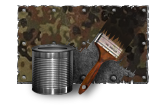
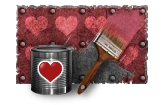
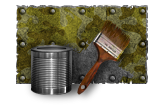
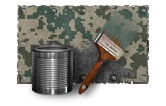
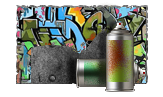
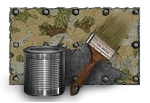
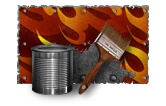
Paints in ProTanki have one core mechanic: they act as your primary protection against enemy gunfire. Additionally, there are also rare paints that not only display status but are also unique in appearance. Players can use paints to make their tanks look more attractive, while others may utilize them primarily for camouflage. Moreover, paints serve identification purposes; clans often choose specific paints as their 'uniform,' and in competitions, participants may be required to use certain paints in videos to prevent the use of outdated footage.
There is a wide variety of Paints in the game: there are ordinary paints or unique paints that are used by the representatives of the game's administration, tournament winners, and other players who have received special recognition for their contribution to the project.
You can view the paint on your tank before making the purchase by pressing the "Preview" button after selecting the paint. This will allow you to apply a preview of the paint to your current tank while the tab is open.
Basic Paints
| Protection | |||||||||||
|---|---|---|---|---|---|---|---|---|---|---|---|
- You can find all textures in the "Holiday paints" article.
Garage Paints










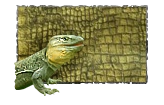


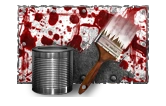

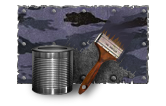
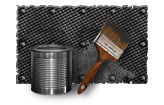


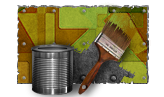

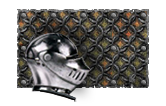


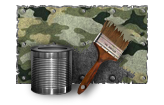
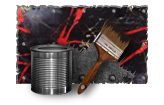



























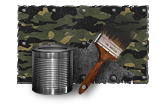
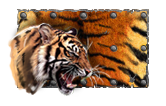


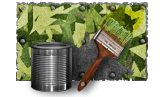

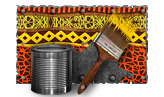
Reward and Prize Paints

 20%
20%











Paints for Special Group Participants





Special Paints